How scenebright works
Four steps from a phone photo to a running feed. Each step answers a question almost everyone has before they start.
Upload
One photo per product is enough. A phone photo on a plain background works. We cut the product out and keep it exactly as it is.
Pick a style
Choose from five styles, from clean studio to dark and moody. Grow and above get a brand profile with your colors, tone and words you never want to see.
Connect your accounts
Connect Instagram, TikTok or X in a few clicks through the official login. We never ask for your password.
Posts go out
Your first posts are ready within minutes. From then on they go out on schedule, with captions and hashtags. Pause, change the style or add products any time.
One photo in five moodsSwipe or use the arrow keys to scroll
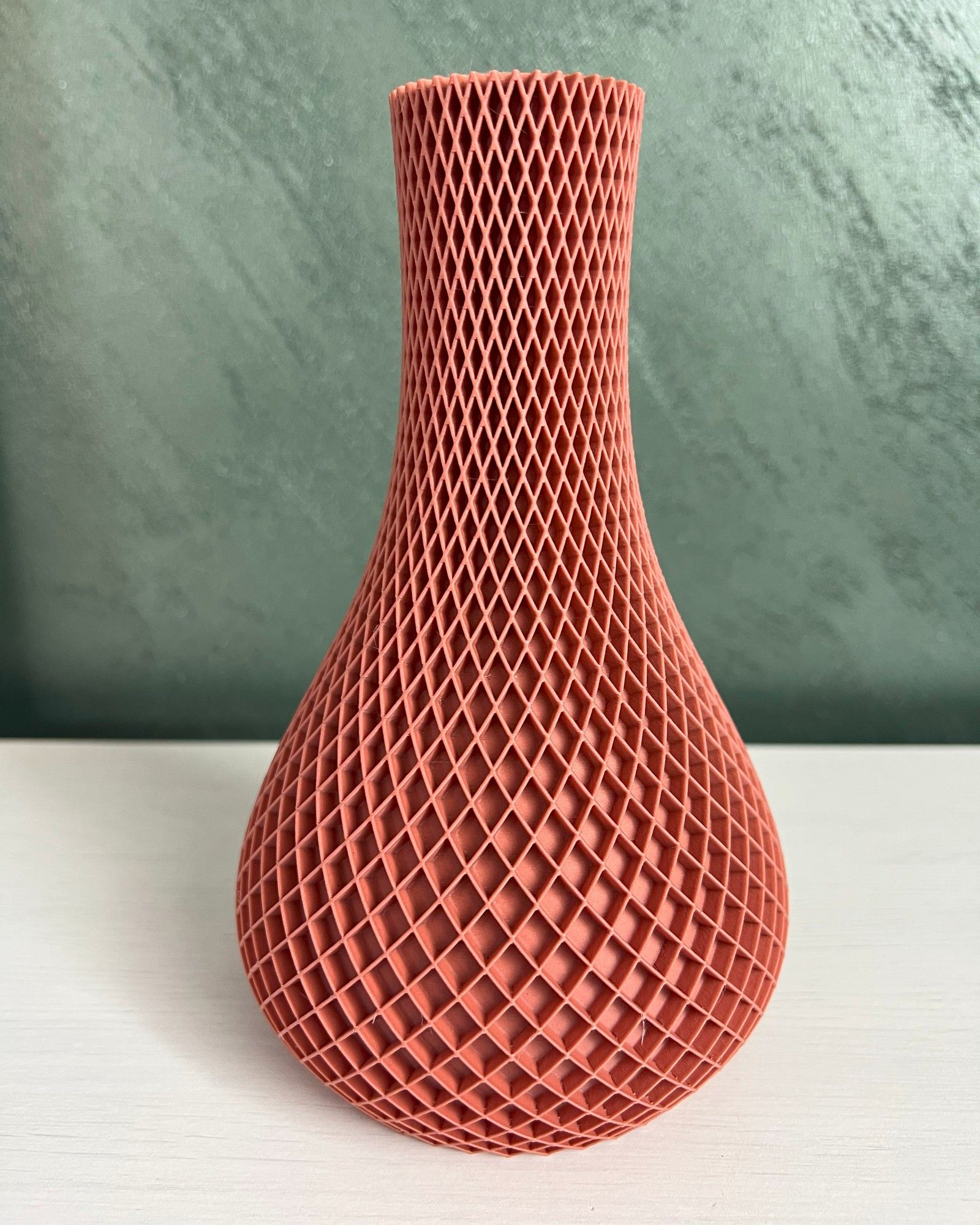
Your phone photo 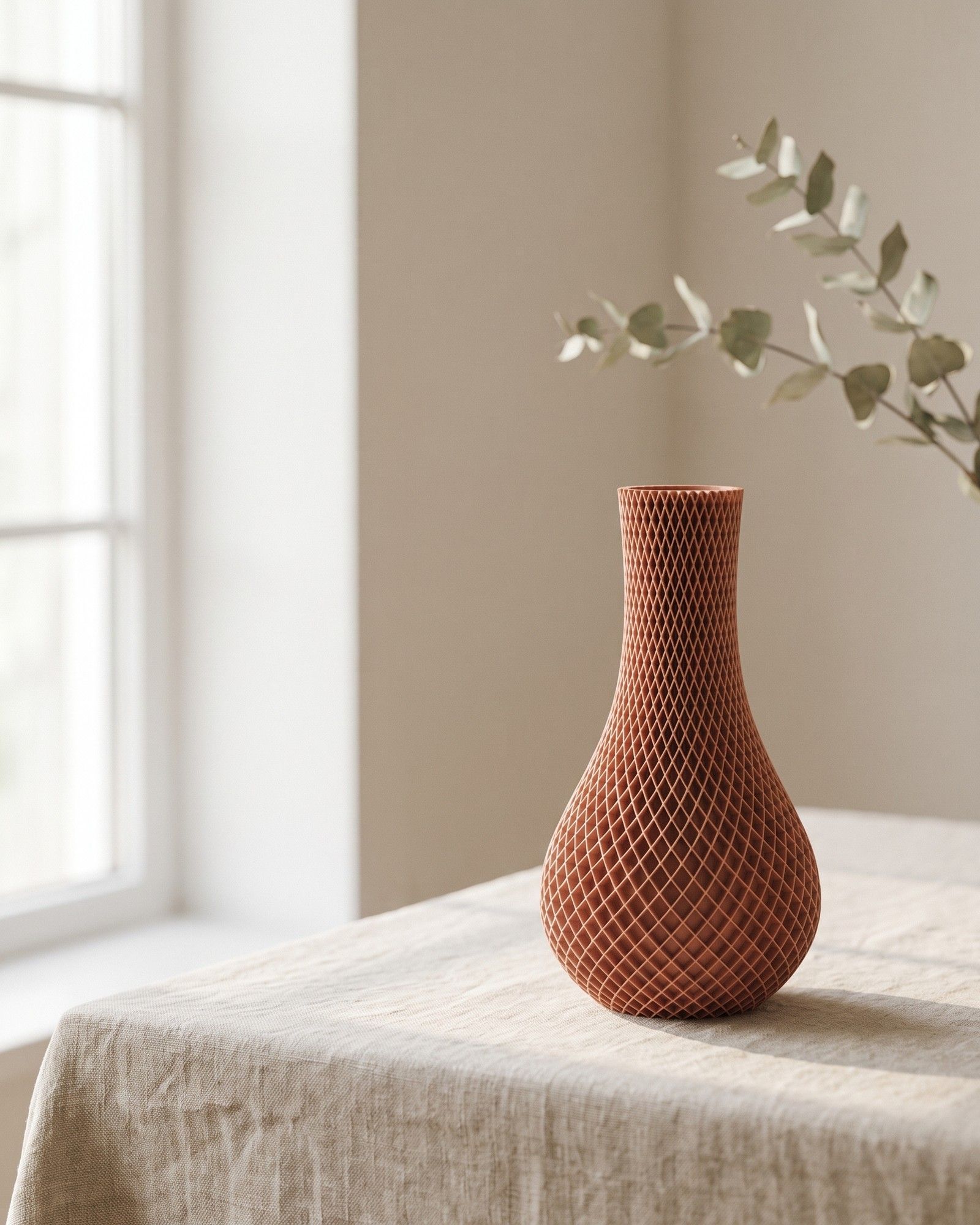
Calm 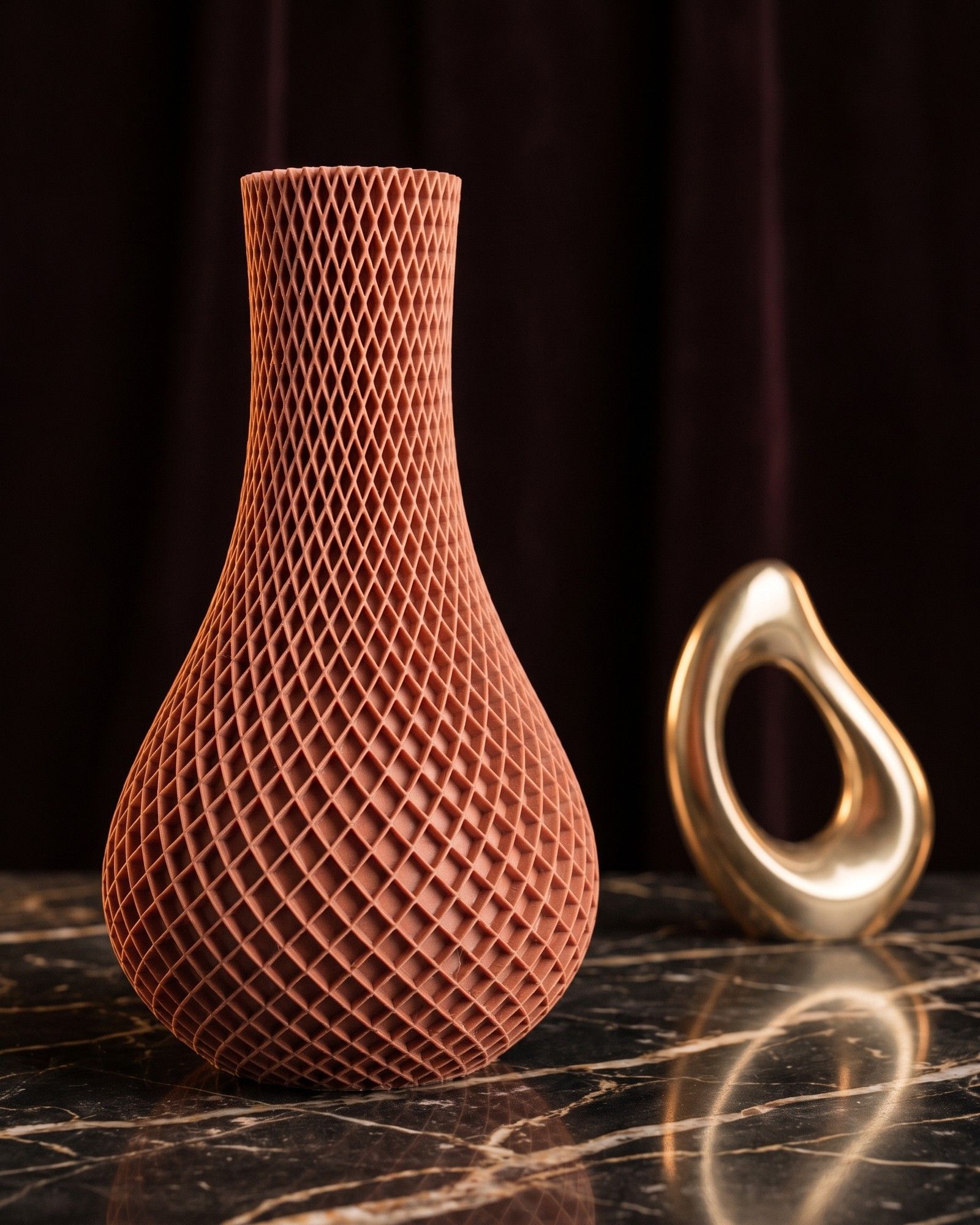
Luxury 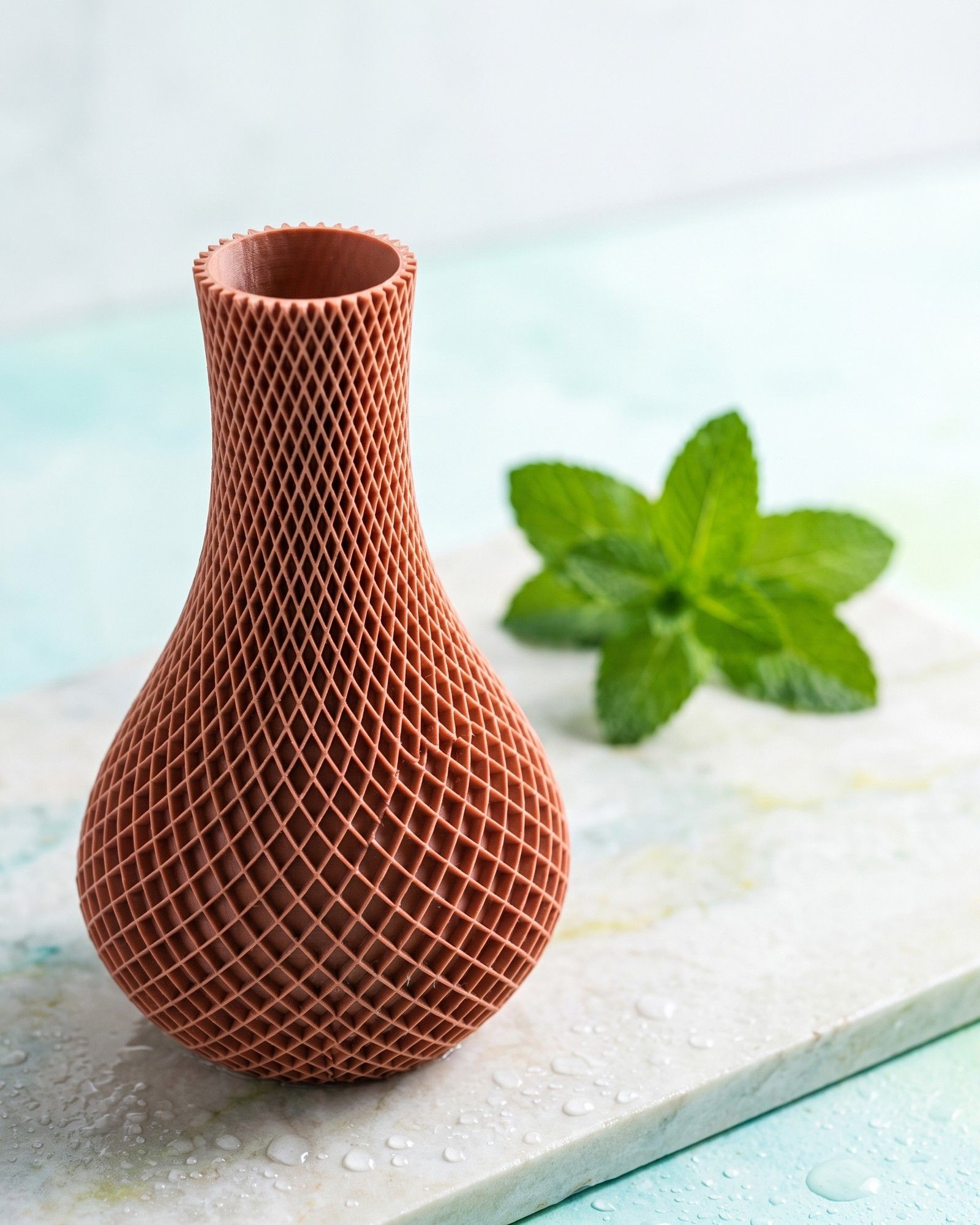
Fresh 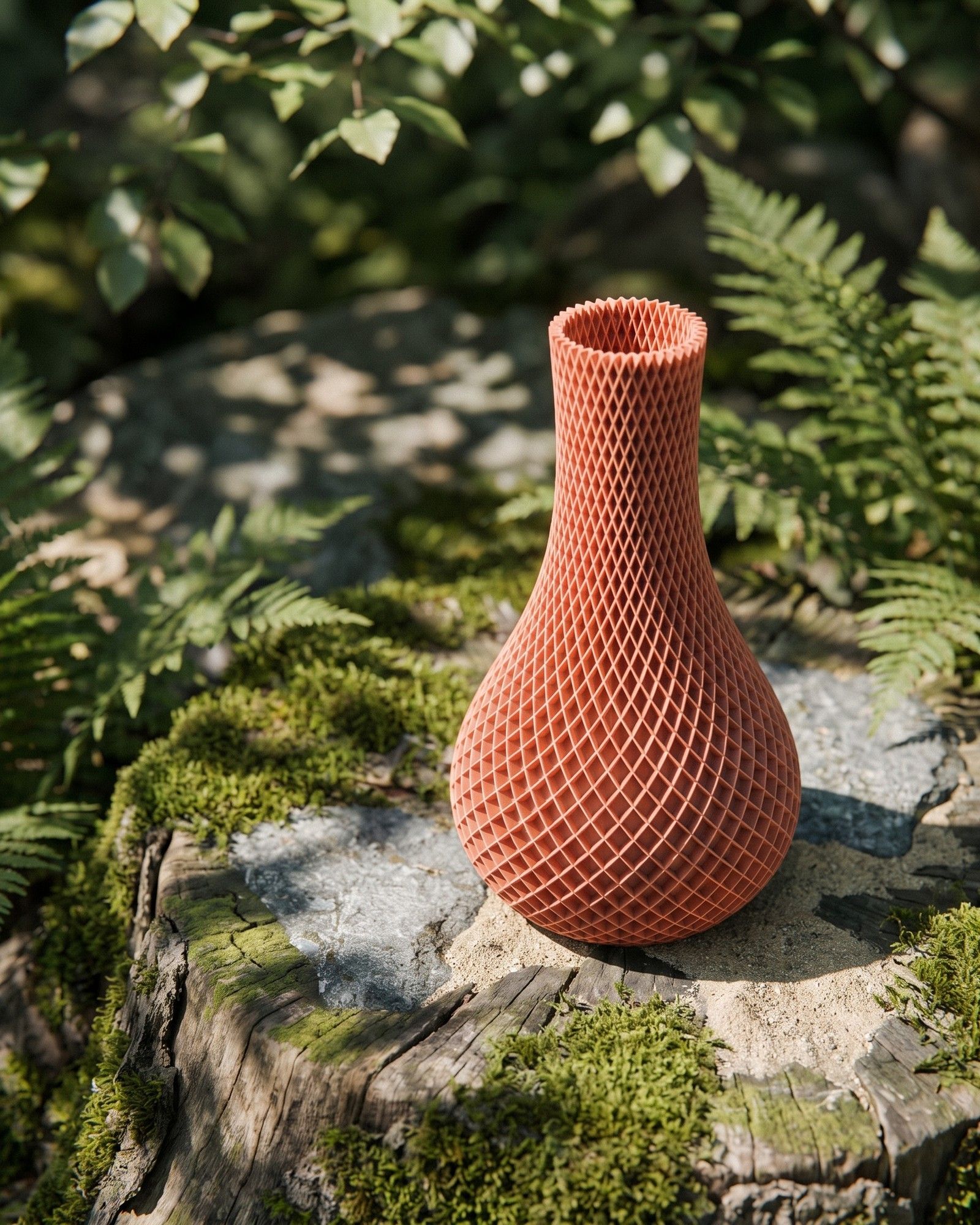
Nature 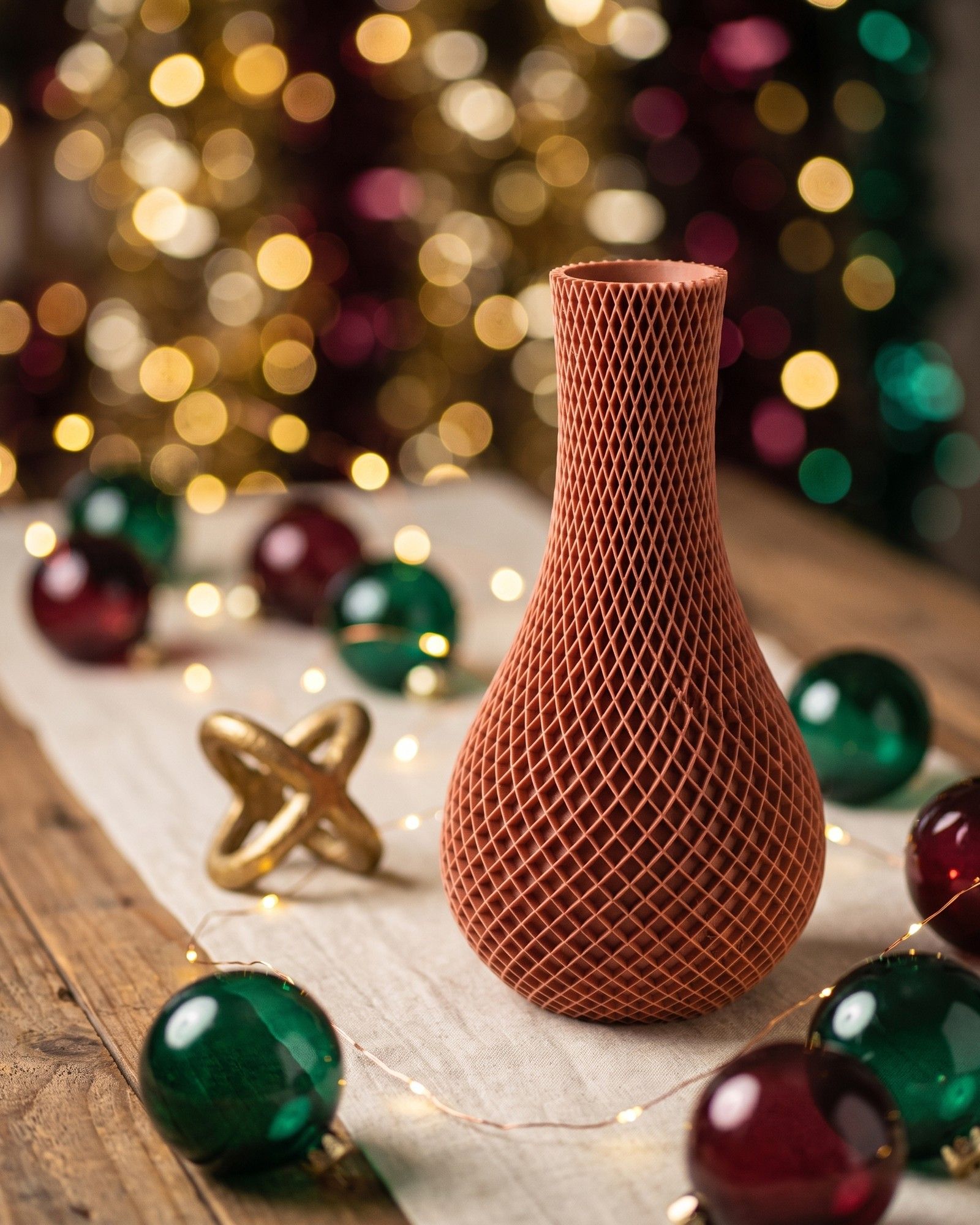
Festive
Your product stays your product.
Most AI image tools redraw the product. The mug gets a second handle, the label changes, the wood grain turns into plastic. We built scenebright so that does not happen.
Real product
We cut your product out of your photo and place it in the scene as it is. Shape, color, label and texture come from your photo, not from a model's imagination.
AI scene
The scene around it is generated: table, light, background, props, season. That is where the variety comes from. Thirty posts, thirty scenes, one product.
Vision check
A second model compares every finished image with your original. Shape, proportions, color, label. Images that fail are made again or dropped. You only see the ones that pass.
Jewelry, glass and highly reflective surfaces are harder. We run a material check on your first upload and tell you if the result will hold up before you pay.
For the most faithful result
A phone photo at full quality is fine. These five points make the difference:
Straight on
Camera at the height of the product's center, facing it directly. Angled shots can't be matched cleanly against the original.
Readable lettering
Prints, engravings, logos and watch dials sharp and free of glare. If we can't read it in your photo, we can't protect it in the scene, and the post won't be approved.
Contrast with the background
Light background for dark products, dark for light ones. White on white (a necklace on a white card, for example) can't be cut out cleanly.
Product only
No hands, no other objects, the whole product in frame with a little space around it.
Daylight, no flash
From the side, near a window, out of direct sun.
See it with your own product.
Upload one photo. Pick a style. Your sample post is in your inbox in about 2 minutes. No account, no card, no call.
Get a free sample postNot ready to upload? Read how it works or see pricing.